Configuring BlueCheck for Accelerated Checkout
This step should be taken if you are using accelerated checkout options on a before checkout store. When you use accelerated checkout, the purchase occurs outside of the shopify checkout page and BlueCheck needs additional configuration to verify those purchases. This is highly recommended for stores with accelerated checkout as otherwise orders made using accelerated checkout will not be verified until after the order has been placed. Currently, BlueCheck supports the use of Shop Pay, Google Pay, and Apple Pay. BlueCheck does not currently support Paypal.
Adding the Accelerated Checkout Rule.
Only perform this step if you are using some type of accelerated checkout process like Apple Pay or Google Pay and have BlueCheck set to perform verification before checkout. This rule will allow BlueCheck to verify orders being placed using accelerated checkout methods before the order is placed.
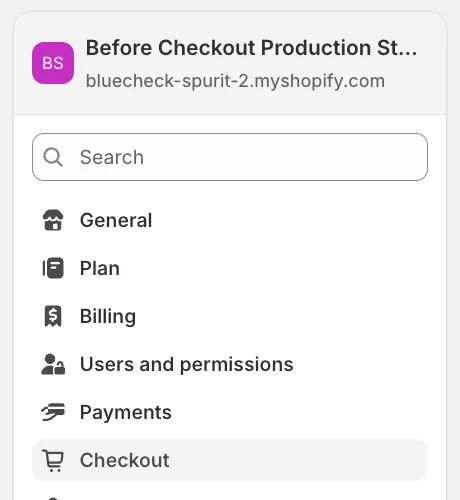
Navigate to the checkout settings of your shopify store. At the bottom of the page, is a section called "Checkout Rules".

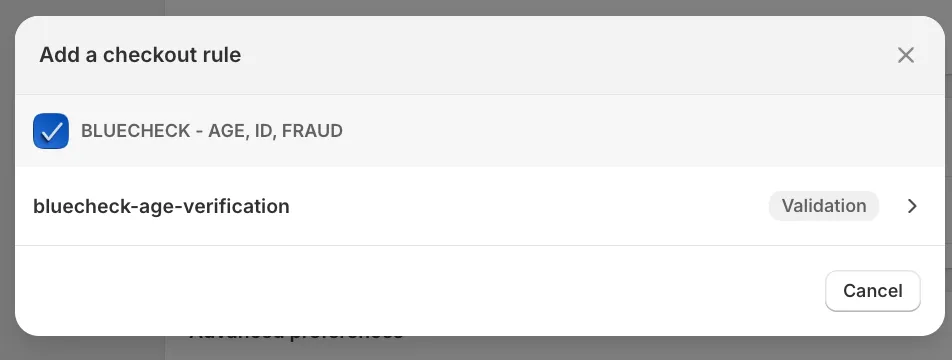
Click the add rule button and select the BlueCheck verification rule.
Then be sure to save the rule and click the turn on button in the top right. You will need to save the rule before turning it on.
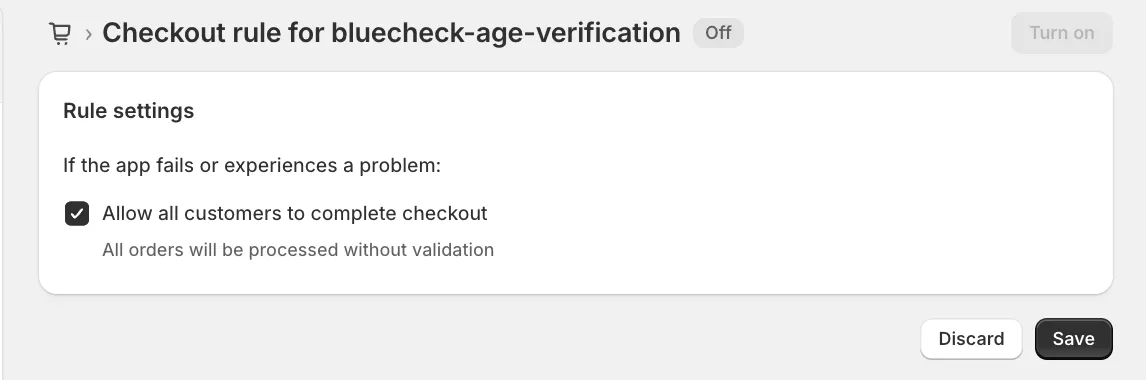
Once that is done, if you return to your checkout settings you should see the rule in the "Checkout Rules" section.